The Future of Formwork: Modular Systems and Digital Inspection
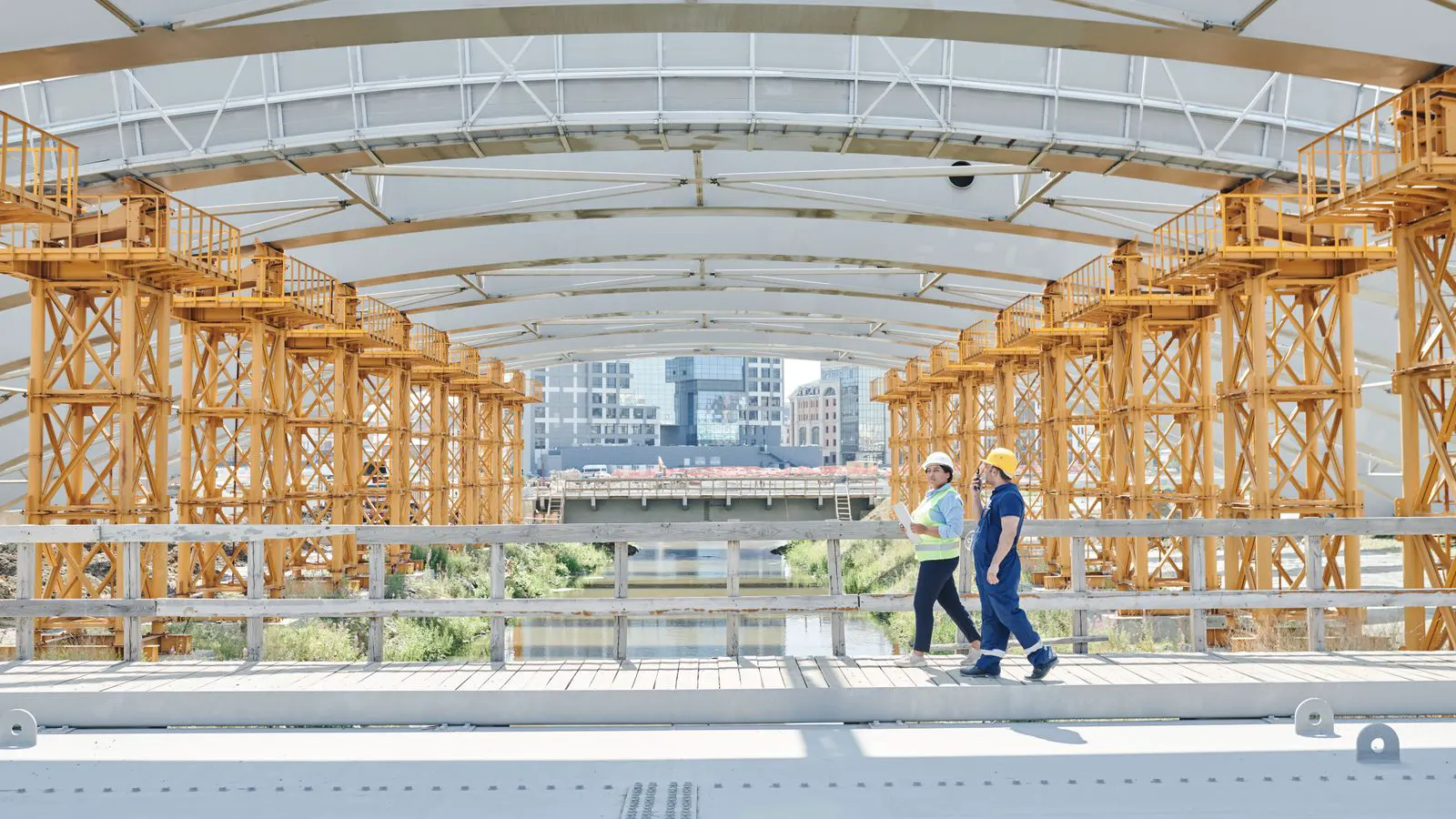
Emerging modular formwork and digital inspection tools are changing how builders verify structural integrity. This shift requires updated procurement and inspection workflows to meet current formwork safety standards and site compliance requirements.
- Modular formwork systems change how load paths and joint integrity are verified on site.
- Digital inspection apps require standardized data fields to support formwork safety standards.
- Procurement must include digital documentation from the start of the project.
- Staff training must cover both physical inspection and digital record verification.
- Hybrid approaches combining manual checks and digital logs provide the strongest compliance posture.
The formwork industry is moving beyond simple manual checks. Builders are adopting modular systems and digital tools to manage structural integrity. These changes alter how formwork safety standards are applied and verified on active sites.
How modular formwork changes inspection focus
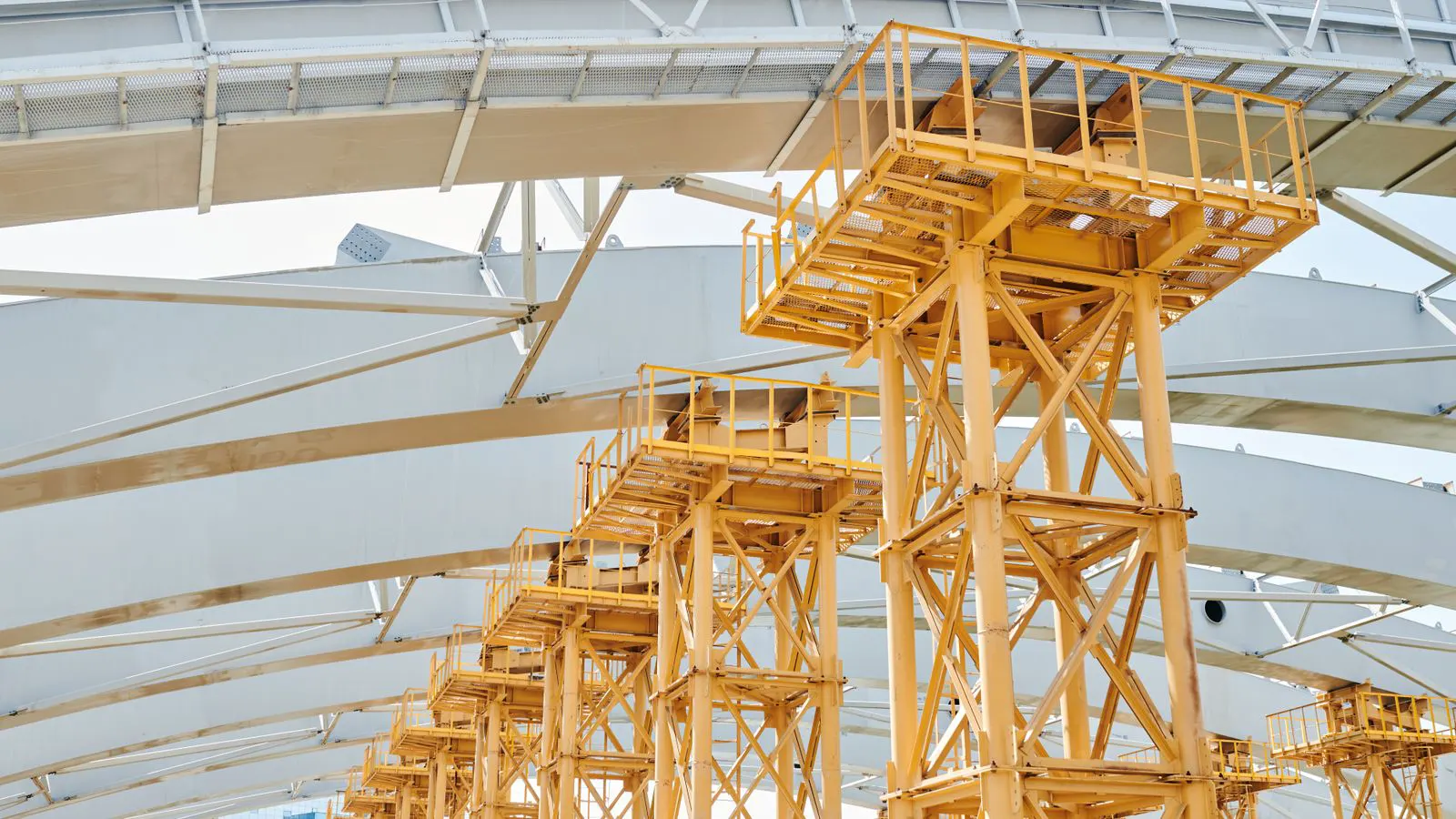
Modular formwork systems use pre-fabricated panels and frames that connect through standardized joints. This design shifts the inspection burden from individual castings to the integrity of the connection points.
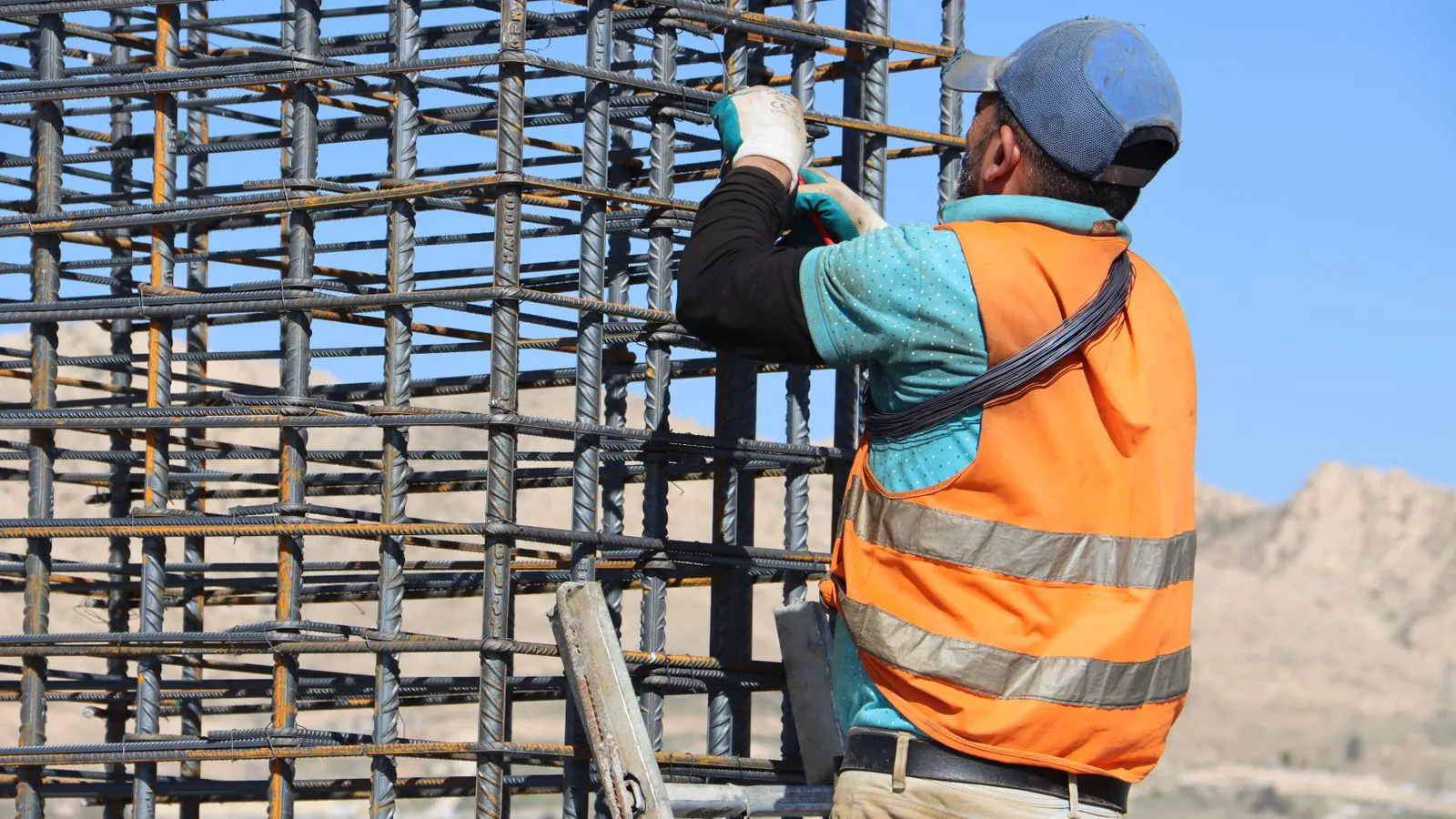
In traditional timber formwork, inspectors check the condition of each board, beam, and prop individually. The failure modes are often obvious. A cracked board or a corroded prop can be spotted by sight and touch. The timber absorbs impacts and wears down in ways that are visible over time. Inspectors look for splitting, rot, or bending in the supports. If a prop is bent or a beam is cracked, the component is replaced immediately. The inspection is localized to the specific piece of lumber or steel that is failing.
With modular systems, the failure modes change. Joints may loosen. Pins may wear. Coatings may degrade and hide corrosion underneath. The structure remains strong until the connections fail. A modular panel can carry a significant load even if a single pin is slightly worn, provided the pin is still engaged. However, if the pin shears, the panel detaches. This sudden failure is different from the gradual degradation of timber. The risk is not always visible until the system is loaded beyond its design capacity.
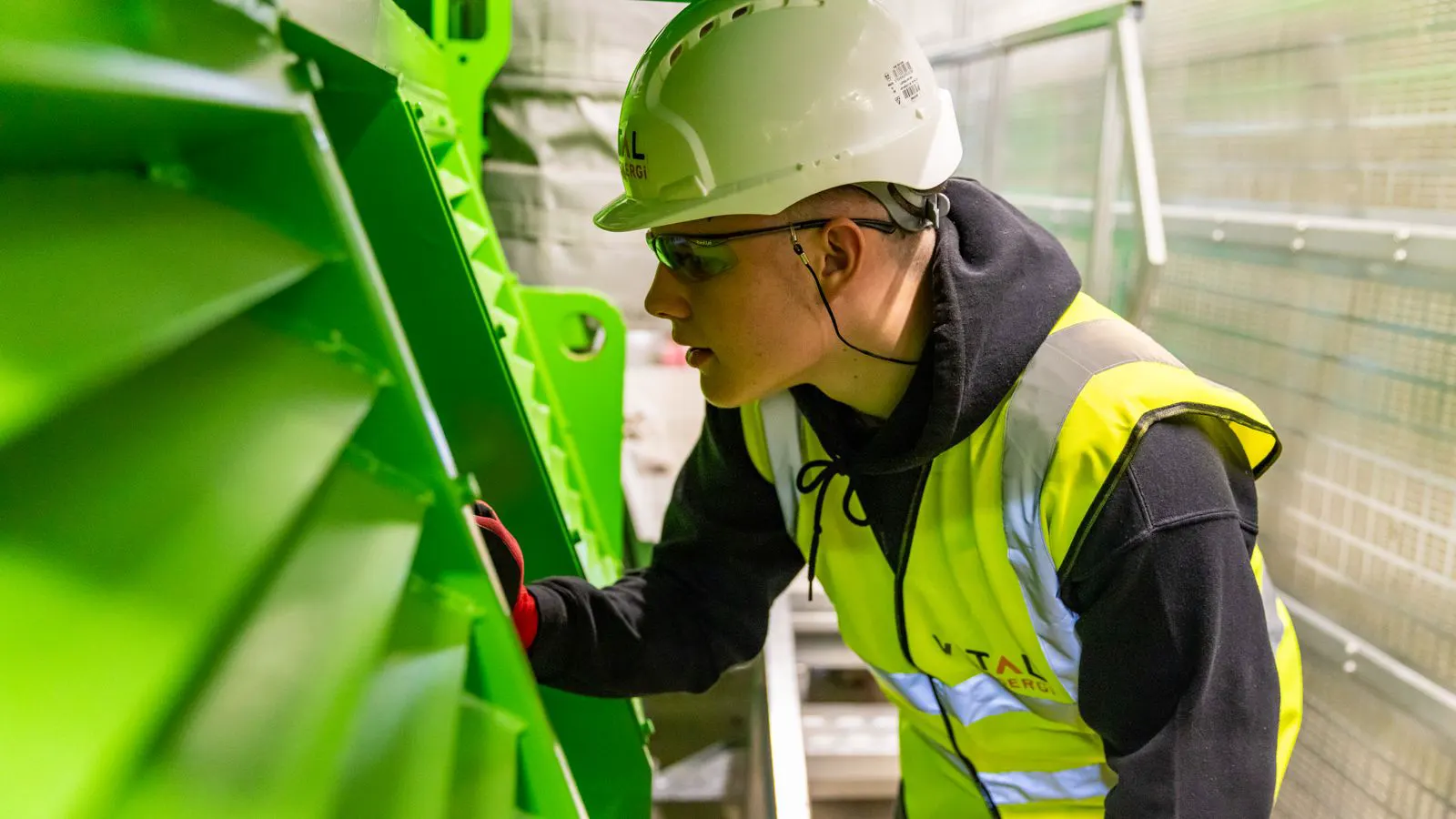
Buyers should prepare for a shift in inspection priorities. Instead of checking every component, inspectors must verify that the system is assembled correctly. This means checking pin engagement, torque levels, and alignment. It also means verifying that the manufacturer’s load tables match the actual site conditions. For example, if the site specification requires a formwork span of 1.5 meters, the inspector must confirm that the props are placed at 1.5-meter intervals. If the props are placed at 2-meter intervals, the load on each prop increases, potentially exceeding the design limit. The inspection log must record the actual spacing, not just the nominal spacing.
The modular approach also changes the frequency of inspections. Because the system is reused, the inspection log becomes a lifecycle document. Each cycle of use requires verification that the components have not degraded. This is different from single-use formwork, where the inspection is often a final check before removal. In a modular system, the same panel might be used for twenty floors. Each cycle requires a check of the pin holes, the panel edges, and the frame integrity. A panel that passed inspection in cycle one might fail in cycle ten if the pin holes have stretched. The inspection log tracks these cumulative effects.
What formwork safety standards require in digital inspection
Digital inspection tools are becoming standard practice on many large projects. These tools include tablets with specialized software, bar code scanners, and photo documentation features. They allow inspectors to record checks in real time and sync data to a central platform.
The key benefit is traceability. A digital log creates a permanent record of who inspected what, when, and what was found. This record supports formwork safety standards by providing evidence of compliance. If a structural element fails, the digital log shows the history of inspections for that specific component. The record includes the date, the inspector’s name, the specific checks performed, and the results. This level of detail is difficult to achieve with paper-based logs, where entries can be lost, damaged, or illegible.
However, digital tools do not replace physical inspection. They support it. The inspector still must walk the structure, check the joints, and verify the load calculations. The digital tool simply records the result in a standardized format. An inspector cannot stand on a balcony and tap a prop while simultaneously entering data into a tablet. The physical check requires attention to detail and sensory input. The digital entry is a secondary action that captures the outcome of the physical check.
Buyers must ensure that the digital platform they choose supports the specific requirements of their project. The software must allow for the capture of photos, notes, and signature data. It must also allow for the export of reports in formats that satisfy the project’s compliance requirements. For instance, some projects require the export of inspection data in CSV format for integration with the project management software. Others require a PDF report with a specific layout for the client’s quality assurance team. The platform must be flexible enough to handle these variations without requiring manual data entry.
A common mistake is treating the digital log as the inspection itself. The log is a record of the inspection. The inspection must happen physically. The software is only useful if it captures the actual checks performed. If an inspector enters “pass” without checking the pin engagement, the digital log records a false positive. This is a critical failure mode. The digital tool cannot verify the physical state of the formwork. It can only record the inspector’s judgment. Therefore, the quality of the data depends entirely on the quality of the physical inspection.
Five shifts buyers should plan for
The transition to digital and modular formwork requires changes in how projects are managed. Here are five shifts that buyers should anticipate.
-
Standardized data fields
Digital inspection platforms require consistent data. If every inspector uses different fields or categories, the data becomes useless for reporting. Buyers should define the data fields before the project starts. This includes the type of component, the location, the check performed, and the result. For example, a standard data field set might include “Component ID,” “Location,” “Check Type,” “Result,” “Inspector,” and “Date.” The Component ID should be a unique identifier assigned to each panel or frame. This allows the system to track the history of each individual component. -
Integration with project documentation
The digital inspection log should not exist in isolation. It must integrate with the project’s quality management system. The inspection data should feed into the overall compliance report. This ensures that the formwork safety standards are met across the entire project lifecycle. If the inspection data is stored in a separate system, the project manager must manually transfer the data to the quality management system. This introduces the risk of human error and delays. A well-integrated platform automatically updates the compliance status based on the inspection results. -
Training for digital inspection
Inspectors must be trained not just on physical checks but on the digital platform. They must understand how to input data, how to attach photos, and how to flag issues. Poor training leads to incomplete or inaccurate records, which undermines the value of the digital system. Training should include hands-on practice with the specific software used on the project. Inspectors should practice entering data for different types of components and learning how to navigate the software interface. They should also understand the consequences of poor data entry. For example, if a photo is not attached to the inspection record, the record is incomplete and may not be accepted by the quality assurance team. -
Supplier documentation requirements
Modular formwork suppliers must provide digital documentation. This includes load tables, assembly instructions, and inspection checklists. The data should be available in a format that can be imported into the project’s digital platform. Buyers should include this requirement in their procurement specifications. If the supplier only provides the documentation in PDF format, the project team must manually enter the data into the digital platform. This is time-consuming and prone to error. A supplier that provides the data in a machine-readable format, such as CSV or XML, makes the integration process much easier. -
Hybrid inspection approach
Most projects will use a hybrid approach. Critical inspections will be manual and verified by a qualified engineer. Routine checks will be recorded digitally. This approach ensures that the most critical aspects of formwork safety standards are covered by human expertise, while routine checks are managed efficiently by digital tools. For example, the first pour of a critical structural column might require a manual inspection by a structural engineer. The subsequent pours might be handled by a digital inspection process managed by a site inspector. This balances the need for expert verification with the efficiency of digital tools.
How to prepare your inspection workflow
Preparing for digital and modular formwork requires planning. The workflow must be designed before the first panel is delivered to site.
Start by defining the inspection scope. Which components require inspection? How often? Who performs the inspection? What is the acceptance criterion? These details must be written into the project plan. For instance, the project plan might state that all prop bases must be inspected before each pour. The acceptance criterion might be that the prop base is level and secure. The frequency might be “before each pour.” The person responsible for the inspection might be the formwork inspector. This level of detail ensures that everyone on the team understands the expectations.
Next, select the digital platform. The platform must support the required data fields and integration with the project’s quality management system. It must also allow for the creation of inspection checklists that match the project’s requirements. During the selection process, buyers should request a demonstration of the platform. They should test the ability to create a custom checklist for a specific type of formwork. They should also test the ability to export the data in the required format. If the platform does not support the required data fields or integration, it should not be selected.
Then, train the team. Inspectors, engineers, and project managers must all be trained on the digital platform. They must understand how to use it and how it fits into the overall inspection process. The training should cover the technical aspects of the software, such as how to log in, how to create a new inspection record, and how to export the report. It should also cover the procedural aspects, such as when to perform an inspection and how to handle a failed inspection. For example, if an inspection fails, the inspector must flag the issue in the software and notify the project manager. The software should generate a notification to the project manager when a failed inspection is recorded.
Finally, test the workflow. Run a pilot inspection on a small section of the formwork. Identify any issues with the data entry, the photo attachment, or the reporting. Make adjustments before rolling out the system to the entire project. The pilot inspection should include a variety of components, such as panels, frames, and props. It should also include both passing and failing inspections to test the software’s ability to handle different outcomes. The pilot inspection provides a safe environment for the team to learn the system and identify potential problems before they affect the entire project.
Common pitfalls to avoid
Several mistakes can undermine the benefits of digital and modular formwork.
Relying on the digital log without physical checks
The digital log is a record, not a check. If the inspector does not physically verify the structure, the log is meaningless. The physical check must always precede the digital entry. An inspector who enters data without checking the component is committing a form of fraud. This can lead to serious safety issues and legal liability. The project team must enforce a policy that requires physical inspection before digital entry.
Using inconsistent data fields
If different inspectors use different fields or categories, the data becomes inconsistent. This makes it difficult to generate accurate reports and verify compliance. Standardize the data fields from the start. For example, if one inspector uses “Panel 1” and another uses “P1,” the data cannot be easily analyzed. The project team should define a naming convention for all components and use it consistently throughout the project.
Ignoring supplier documentation
Modular formwork systems require accurate documentation. If the supplier does not provide the necessary data, the inspection process becomes guesswork. Ensure that the supplier provides complete digital documentation. This includes the load tables, assembly instructions, and inspection checklists. If the supplier documentation is incomplete or outdated, the inspection process may not be accurate. The project team should verify the supplier documentation before starting the inspection process.
Treating the digital platform as a black box
The digital platform must be transparent. The project team must understand how the data is stored, processed, and reported. If the platform is a black box, it cannot be trusted for compliance purposes. The project team should have access to the raw data and understand how the reports are generated. This allows the team to verify that the data is accurate and that the reports are correct. If the platform is opaque, the project team cannot verify the compliance of the formwork.
The role of formwork safety standards in the digital era
Formwork safety standards are not changing, but the way they are applied is changing. The standards still require that formwork be designed, built, and inspected to withstand the intended loads. The difference is that digital tools allow these requirements to be verified more efficiently and with greater traceability.
Buyers must ensure that their digital inspection process aligns with the current formwork safety standards. This means that the data captured in the digital platform must support the compliance requirements of the project. The platform is a tool, not a replacement for the standards. The standards define what must be done. The platform provides the means to record and verify that the work was done.
The future of formwork is not about replacing physical inspection with digital tools. It is about combining the two to create a more efficient and reliable process. The physical inspection remains the core of the process. The digital tool supports it by providing a structured and traceable record. This combination allows the project team to manage the complexity of modern construction projects while maintaining the highest levels of safety and quality.
Frequently asked questions
Does digital inspection replace manual inspection?
No. Digital inspection records the results of physical checks. The inspector must still physically verify the structure before entering data into the platform. The digital log is a supplement to the manual inspection, not a replacement.
What data fields are essential for a digital inspection log?
Essential fields include the component type, location, date and time of inspection, inspector name, check performed, result, and any photos or notes. The specific fields may vary by project, but these core elements provide the basic traceability required for compliance.
How does modular formwork change the inspection frequency?
Modular formwork is reused, so the inspection log becomes a lifecycle document. Each cycle of use requires verification that the components have not degraded. This is different from single-use formwork, where the inspection is often a final check before removal.
Can any digital platform be used for formwork inspection?
Not necessarily. The platform must support the specific requirements of the project, including the required data fields, integration with the project's quality management system, and the ability to generate compliance reports. Buyers should evaluate platforms based on these criteria.
What is the biggest mistake in implementing digital formwork inspection?
The biggest mistake is treating the digital log as the inspection itself. The physical check must happen before the digital entry. If the inspector does not physically verify the structure, the log is meaningless and does not support formwork safety standards.